How to Keep Track of Subscription Renewals
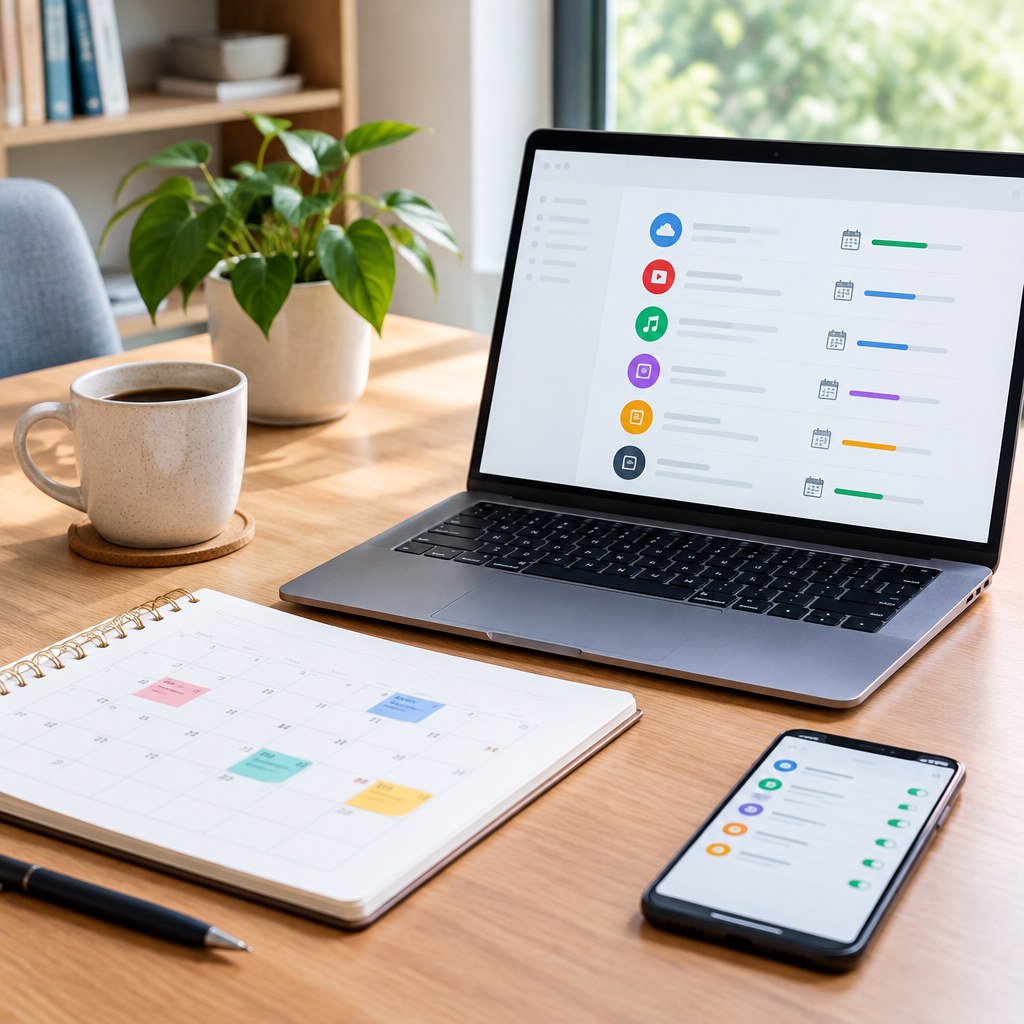
Keeping track of subscription renewals means creating one reliable record of every recurring charge, assigning someone to review it, and setting reminders early enough to cancel, renegotiate, or approve renewal before a deadline passes. With a simple subscription register and a regular review routine, you can reduce surprise charges and keep only the services that still earn their place in your budget.
Subscriptions are easy to start because payment details are saved and renewal dates are often buried in confirmation emails or account settings. For a household or business, the difficulty grows when several people sign up for software, media, deliveries, memberships, and cloud services. The answer is not a complicated system; it is a visible process that makes ownership, cost, renewal terms, and next action clear.
Why subscription renewals get missed
A missed renewal is rarely caused by carelessness alone. The information needed to make a good decision is usually split across email inboxes, bank statements, app stores, shared team accounts, and individual payment cards. By the time a charge appears, the cancellation window may have closed or the service may already have renewed for another term.
Renewal dates are not always obvious
Some subscriptions renew monthly on the original sign-up date. Others renew annually, after a free trial, or at the end of a contracted term. A provider may send notice well before the payment date, while another may simply charge the saved card. Treat the date shown on a statement as a clue, not necessarily the date by which you must act.
Ownership is unclear
When nobody is named as the owner, everyone can assume someone else is evaluating the service. This is especially common with shared tools: one person signs up, another uses it, and a third person receives the card statement. A subscription list should always identify the person who can confirm whether the service is still needed.
Small charges escape attention
Low-cost subscriptions can look harmless individually, yet they still create recurring administration and can add up over time. The goal is not to cancel every small purchase. It is to make a deliberate choice about each recurring commitment instead of letting convenience become a default decision.

Build one subscription register
Your register can be a spreadsheet, a shared note, a project-management list, or dedicated subscription-management software. The tool matters less than consistency. Choose a place that the people responsible for spending can access, update, and review without hunting through old messages.
Start by collecting the last few billing statements, searching email for terms such as “renewal,” “receipt,” “subscription,” and “trial,” and reviewing app-store purchase histories. Include work and personal accounts separately if they are paid from different budgets. Do not rely solely on memory; recurring charges are often tied to services you stopped actively thinking about.
💡 Tip: Record the cancellation deadline separately from the billing date. If a service requires advance notice, your useful reminder date may be much earlier than the renewal charge.
Keep sensitive information out of the register. You generally do not need full card numbers, passwords, or login recovery codes to manage renewals. A short payment-method label, such as “business card ending 1234,” is usually enough to identify the charge while limiting unnecessary exposure.
Choose the right reminder system
A register tells you what exists; reminders ensure you act on it. Put reminders in a calendar that you already check, rather than creating a separate system you will forget. For shared spending, use a calendar visible to the owner and at least one backup reviewer.
Calendar reminders
Best for a small number of subscriptions. Create reminders before the notice deadline and again before the payment date.
Spreadsheet review
Best when you want a clear audit trail. Filter by upcoming renewal date and update decisions in the same place.
Task workflow
Best for teams. Assign the renewal decision as a task with an owner, due date, and approval status.
Use more than one reminder for annual commitments or services with longer notice requirements. A practical pattern is an early review reminder, a decision deadline, and a final confirmation reminder. The exact timing depends on the service terms and how long your approval process takes.
Name each reminder so it prompts a decision, not just awareness. “Review design software renewal: confirm users and cancellation deadline” is more useful than “Software renewal.” Add the register link or a brief note about where to find the account details.

Run a renewal review before each decision
Do not ask only, “Do we use this?” Review whether the service still solves a current problem, whether the plan fits actual use, and whether an alternative already covers the same need. A service can be useful and still be the wrong plan, duplicate another tool, or no longer be worth the administrative burden.
A practical 5-step review
- Confirm the terms. Check the account page or renewal notice for price, renewal date, billing period, and cancellation instructions.
- Ask the owner about use. Find out who relies on the service and what would happen if it ended.
- Check for overlap. Look for another subscription, workplace benefit, or existing tool that performs the same function.
- Choose an action. Renew, change plans, cancel, or gather more information by a defined date.
- Document the outcome. Update the register and save a cancellation or plan-change confirmation where you can find it later.
For example, if you are reviewing a team software subscription, compare the number of active users with the number of paid seats, confirm whether essential work depends on its features, and check whether another approved tool already offers similar functionality. If you keep it, record why. That note makes the next review faster and gives future decision makers useful context.
Avoid common mistakes and recover quickly
The most common mistake is treating a subscription register as a one-time cleanup project. New subscriptions will appear, prices and plans can change, and team members may leave. Add a simple rule: whenever you start a recurring service, enter it in the register and create reminders immediately.
Do not cancel before checking dependencies
Before ending a service, confirm what data, files, automations, or shared access it contains. Export information if the provider allows it, transfer account ownership where necessary, and tell affected users what will change. A rushed cancellation can create more work than the charge you hoped to avoid.
Do not assume cancellation succeeded
Complete every cancellation inside the provider’s official account process and look for a confirmation screen or email. Then record the confirmation date and any remaining access period. If a charge appears after cancellation, compare it with the terms and your confirmation record before contacting the provider’s support channel or your payment provider.
Do not let one person hold all access
For important business subscriptions, make sure the organization can access the billing account if the original purchaser is unavailable. Use an appropriate shared administrative process, keep ownership information current, and follow your organization’s security policies for credentials and account recovery.
Use a simple decision framework
When renewal time arrives, make the decision in this order: Is the service still needed? Is someone clearly responsible for it? Is the current plan appropriate? Can you cancel before the deadline without disrupting work or losing needed data? If the answer to any question is unclear, assign an owner and a deadline to resolve it rather than allowing automatic renewal to decide for you.
A useful subscription system is visible, current, and easy to maintain. Start with your highest-value or soonest-renewing services, then add the rest over time. The habit of reviewing recurring commitments matters more than the software or spreadsheet you choose.
Take the first step this week
Set aside time to list every recurring charge you can identify, assign an owner to each one, and add the first renewal reminders to your calendar. Your next billing cycle is a good opportunity to fill in anything you missed.