A Simple System for Managing Household Paperwork

Build a Household Paperwork System That You Will Actually Use
Household paperwork becomes stressful when every document feels equally urgent, important papers have no reliable home, and incoming mail keeps arriving faster than it is processed. A simple system fixes this by giving every paper one of 4 destinations: act on it, file it, keep it temporarily, or discard it. Once those decisions become routine, you can find what you need without maintaining a complicated archive.
The aim is not to scan every receipt or create perfectly labeled binders. It is to reduce daily friction, protect documents worth keeping, and make recurring household tasks easier to manage.
Why Household Paperwork Piles Up
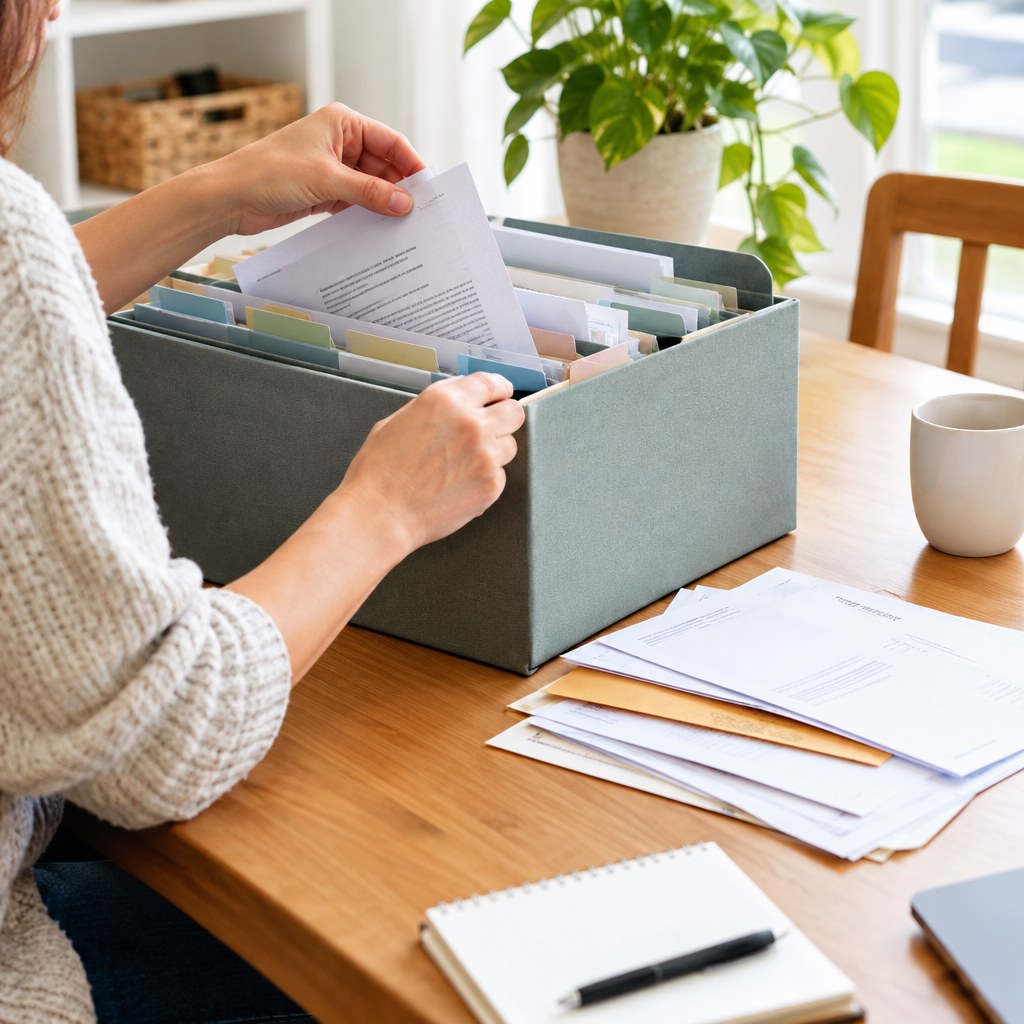
Most paper clutter is not caused by too much paper. It is caused by delayed decisions. A statement sits on the counter because you are unsure whether it needs payment, filing, or disposal. A school notice stays visible because it contains an upcoming date. A receipt remains in a bag because you may need it for a return.
These are different jobs, but they are often stored together in one “deal with later” pile. That pile grows because it has no clear finish line. The solution is to separate action from storage. Your active papers should remain visible and limited. Your records should be easy to retrieve but out of the way.
Paper arrives through more channels than mail
Paper can enter through postal mail, children’s bags, work materials, deliveries, health appointments, local notices, and printed forms. If household members place these items in different rooms, the system fails before sorting even begins. Choose one landing place for all incoming papers, even if you later divide them by person or purpose.
💡 Tip: Put the landing place near the route papers naturally take into your home, such as an entry table, kitchen counter, or home office desk. A system that requires a detour is less likely to be used.
Use 4 Destinations for Every Piece of Paper
Keep the number of choices low. When you pick up a document, make one decision and move it immediately. Avoid creating a fifth category called “maybe” or “later.” If a paper needs thought, place it in the action category with a note about the next step.
Act
Use this for bills to pay, forms to complete, appointments to book, and notices requiring a response. Add a due date or next action before filing it here.
File
Use this for records you may need again: insurance documents, warranties, household service records, and completed tax-related paperwork.
Hold
Use this for short-term papers such as return receipts, event tickets, current project notes, or documents awaiting a related decision.
Discard
Recycle ordinary paper you no longer need. Shred papers containing account details, identification information, signatures, or other sensitive personal data.
The “hold” category needs a boundary. Use one folder, tray, or envelope rather than a drawer. Review it every month. If it becomes full, treat that as a prompt to decide what can be filed or discarded.
Set Up a Paperwork Station in 30 Minutes
You need only a few supplies: an inbox, an action folder, a short-term holding folder, a file box or drawer, labels, a recycling bin, and access to a shredder if you have sensitive paper. A scanner is optional. Do not delay setup while searching for ideal equipment.
Step 1: Create one inbox
Choose an open tray, upright file, or basket for unsorted incoming paper. Label it “Inbox.” This is the only place where papers may wait without a final decision. Keep it small enough that you notice when it needs attention.
Step 2: Make an action folder visible
Use a folder with sections such as “Pay,” “Reply,” and “This month,” or keep one clearly labeled folder if your volume is low. Place it where you pay bills or manage your calendar. For each item, write the next action on a sticky note if the document itself does not make it obvious.
Step 3: Build broad file categories
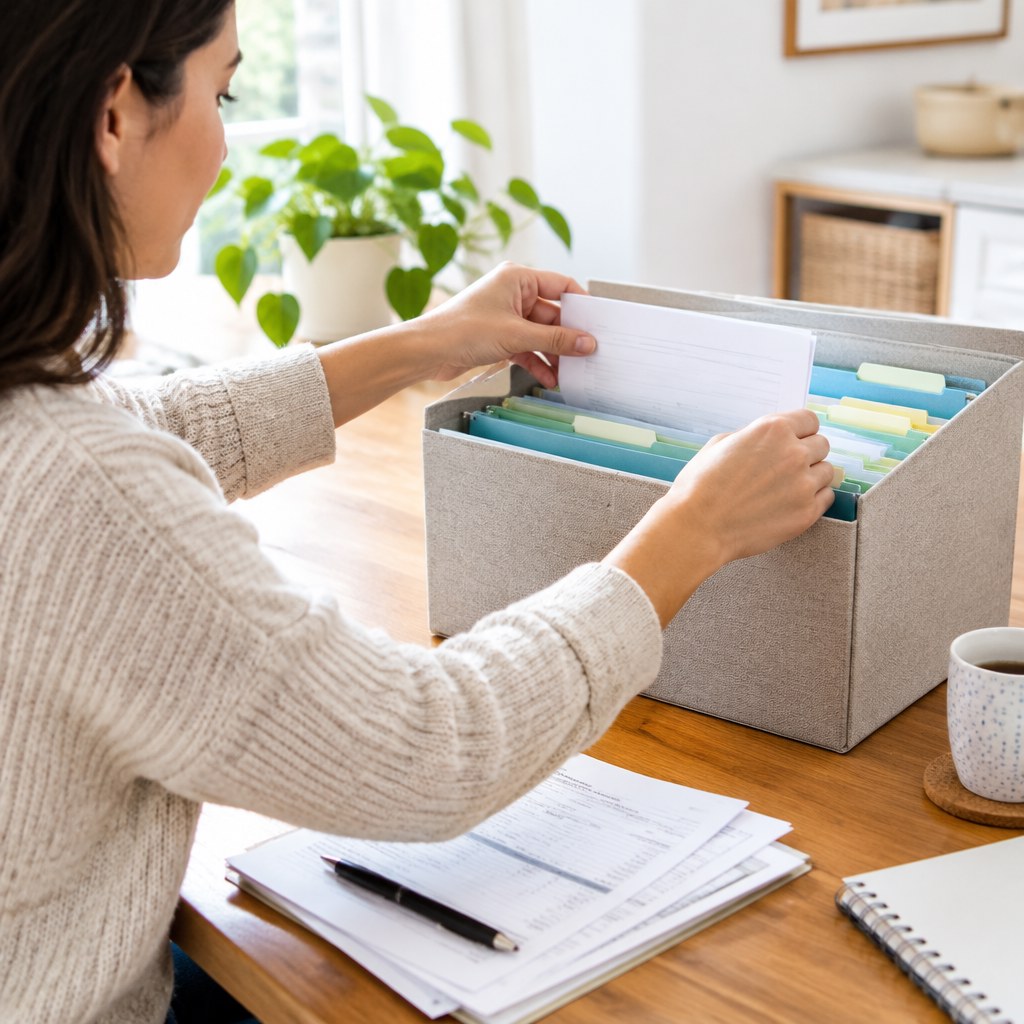
Start with broad labels that match how you will search later. Good examples include Home, Vehicles, Insurance, Health, Work, Education, Pets, Utilities, Taxes, and Identity. Add a “Household purchases” section for manuals and warranties. Avoid dozens of narrow labels at first; you can subdivide only when a section becomes difficult to use.
Step 4: Separate permanent records
Store irreplaceable or difficult-to-replace documents in a protected location rather than your everyday file box. Depending on your situation, this can include identity records, property documents, legal agreements, and major financial records. If you are uncertain about a document’s retention requirements, check with the relevant provider or a qualified local professional before discarding it.
Maintain the System With a Short Routine
A filing system works because of a repeatable habit, not because it is elaborate. Put a brief paperwork session on your weekly schedule. The session can be short: open the inbox, sort each item, complete urgent actions, and place the remainder in its destination.
Weekly checklist
- Empty the inbox until every item is in Act, File, Hold, or Discard.
- Review due dates and next actions in the action folder.
- Put events and deadlines into your calendar rather than relying on the paper to remind you.
- File completed items immediately after payment, submission, or follow-up.
- Shred or recycle unnecessary papers before they migrate to another surface.
Monthly reset
Review the hold folder and remove expired coupons, completed project notes, old receipts, and notices tied to past events. Check whether your action folder contains stalled items. If something has remained there for several weeks, decide whether to complete it, delegate it, set a realistic date, or confirm it no longer matters.
Decide What to Keep Without Over-Filing
Keep documents that prove ownership, support an ongoing agreement, explain a major purchase, document repairs, or may be needed for taxes, insurance, benefits, warranties, or disputes. Discard duplicate notices and routine papers once you have confirmed that the information is available elsewhere and no longer needed.
Digital copies can reduce physical storage, but scanning is useful only when you can find files later. If you scan, use a consistent file name such as “2026-11 Appliance repair invoice” and store files in clear folders. Protect digital records with strong account security and a backup method appropriate for your needs.
Avoid Common Mistakes and Recover Quickly
Keeping everything “just in case”
Over-retention makes retrieval harder because important records disappear among low-value papers. Give uncertain items a review date in the hold folder instead of filing them permanently. When the date arrives, decide based on the document’s current purpose.
Using a complex category system
Highly specific labels can create hesitation: should a boiler invoice go under Appliances, Repairs, Utilities, or Home? Choose the label you would naturally think of first. Consistency is more valuable than perfect classification.
Letting the inbox become storage
An overflowing inbox means the system has stopped at its first stage. Do not attempt a full archival project when this happens. Set a timer, sort only into the 4 destinations, then schedule a separate session for actions and filing. Sorting first restores control.
Relying on paper as a reminder
A visible document can prompt action, but it can also be buried. Transfer dates, renewal reminders, and appointments to a calendar. Keep the related paper in your action folder only until the task is complete.
A Practical Decision Framework
When you pick up a paper, ask 4 questions: Does it require action? Do I need evidence of this later? Is it needed only for a limited period? Does it contain sensitive information? Your answers tell you whether to act, file, hold, recycle, or shred.
For a busy household, start with one inbox, one action folder, one holding folder, and broad files. Add detail only when a real retrieval problem appears. The best paperwork system is the one that makes the next decision obvious.
Start With the Papers Already in Front of You
Set up an inbox and 4 labeled destinations today, then sort your current paper pile one document at a time. Do not aim for a perfect archive; aim for a system you can maintain next week.