How Sign Language Interpreters Prepare for Events

Sign language interpreters prepare for events by learning the purpose, people, language, venue, and run of show before anyone takes the stage. When you give them complete information early and keep a clear communication channel open, they can make informed choices about terminology, positioning, team coverage, and access needs rather than improvising in front of an audience.
For event organizers, preparation is not an administrative extra. It is the work that turns an interpreter booking into meaningful access for Deaf and hard-of-hearing attendees. This article explains what interpreters need, how to provide it, and how to handle changes without disrupting the event.

Why preparation matters before an event
Interpreting is not word-for-word substitution. An interpreter must understand the speaker’s intended meaning, the pace and format of the session, specialized vocabulary, audience interaction, and visual material. A product launch, board meeting, training session, awards ceremony, and medical presentation may all require very different preparation.
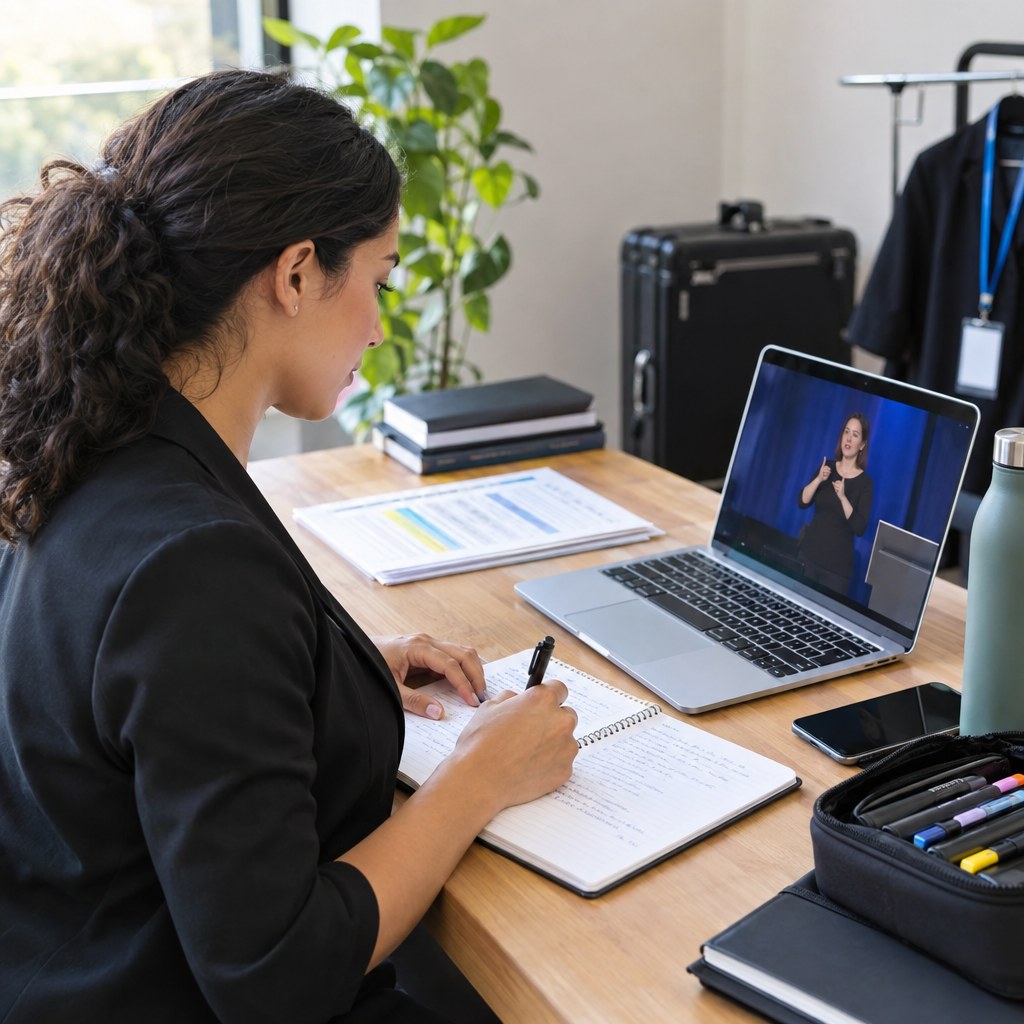
Context lets an interpreter decide how to render abbreviations, industry terms, names, jokes, and references that would otherwise arrive without explanation. It also helps them identify passages that may need fingerspelling, a brief clarification, or a consistent agreed sign. If a presenter uses slides packed with charts, the interpreter needs access to those visuals in advance; attendees should not have to choose between watching the interpreter and trying to decode a screen.
Preparation also protects the event schedule. Interpreters can flag access issues early, such as an obstructed sightline, a dark stage, a speaker who plans to show an unscripted video, or a session long enough to require a team. You gain time to solve practical problems while options are still available.
💡 Tip: Treat the interpreter as part of your production and access team. Include them in the same planning updates you send to speakers, audiovisual staff, and moderators.
Build an interpreter brief that saves time
A useful brief is concise, current, and easy to update. You do not need to predict every spoken sentence. You do need to share enough material for the interpreter to understand what the event is trying to accomplish and what attendees will see and hear.
Start with the event fundamentals
- Event name, date, venue or virtual platform, time zone, and expected start and finish times.
- Purpose, audience, session format, and whether questions, networking, or audience participation are planned.
- Names, roles, and pronunciation guidance for speakers, hosts, panelists, and key guests.
- The main contact for schedule changes, access questions, and day-of decisions.
Share content while it is still useful
Send the agenda, run of show, speaker notes, slide decks, scripts, handouts, videos, product names, and relevant glossaries as soon as they are ready. Drafts are useful when final materials are not available. Label them clearly as drafts and send revisions in one organized update rather than scattering files across separate messages.
Ask presenters to identify unfamiliar terms, acronyms, internal project names, and words that carry a specific meaning in their field. For example, if you are running a software demonstration, provide the product vocabulary and explain whether a term is a feature name, a person’s name, or ordinary language. This avoids preventable confusion.
Content packet
Include agendas, slides, scripts, names, and terminology. Mark every file with its version date so the interpreter knows which material is current.
Access contact
Name one person who can answer questions quickly and tell the interpreter about late speaker, schedule, or location changes.
Production details
Explain microphones, videos, audience questions, lighting, camera plans, and whether the event will be recorded or streamed.
Plan the space, sightlines, and technology
An interpreter needs to be visible to the people using the service and able to hear or see the speakers clearly. The exact setup depends on the event and the preferences of participating Deaf attendees, so ask rather than assuming that one layout works everywhere.
For an in-person program, discuss where the interpreter will stand or sit, where attendees who use sign language are likely to be seated, and how people will move through the room. Avoid placing the interpreter against a visually busy backdrop, in a dark corner, or where cameras, displays, furniture, or people walking past can block the view. Lighting should make facial expressions and hands clearly visible without putting a harsh light directly in the interpreter’s eyes.
For a virtual or hybrid event, test the platform’s pinning, spotlighting, captioning, screen-sharing, and recording settings. Make sure the interpreter’s video can remain visible while slides are shown. If the platform changes the active speaker automatically, confirm how the interpreter will stay on screen. Give interpreters the same technical rehearsal access as speakers and producers.
Decide whether interpreter teaming is needed
Some assignments require more than 1 interpreter because sustained interpreting is cognitively demanding and because coverage may be needed across concurrent activities. Rather than selecting staffing solely by event duration, share the actual program: speaking density, technical content, breaks, panels, audience questions, and separate rooms all matter. The interpreter or interpreting provider can then recommend an appropriate arrangement.
Support the interpreter on event day
Even excellent advance preparation can be undermined by a disorganized arrival. Give the interpreter a clear arrival time, check-in location, backstage contact, and a quiet place to review last-minute notes. If the event is virtual, provide the meeting link, backup contact method, and rehearsal time well before the live session.
Use a simple day-of checklist
- Confirm the final agenda, speaker order, room or platform, and expected breaks.
- Introduce the interpreter to the moderator, audiovisual lead, stage manager, and presenters who will interact directly with them.
- Review the interpreter position and check that attendees have an unobstructed view.
- Test audio, lighting, camera framing, video playback, remote speaker sound, and slide sharing before doors open.
- Tell speakers to use the microphone, face the audience, avoid speaking over one another, and pause for questions.
- Send schedule changes to the interpreter immediately, including unscheduled videos, guest speakers, or room moves.
Moderators have an especially important role during panels and questions. They can ask speakers to identify themselves before speaking, manage turn-taking, repeat audience questions into a microphone, and pause when a technical interruption occurs. These small actions make the content easier to follow for everyone, not only people using interpreting services.
If attendees request a change to the setup, take it seriously and respond through the event’s designated access contact. Moving a chair, adjusting light, changing the interpreter’s position, or modifying a camera layout may solve the issue quickly. Do not make a Deaf attendee negotiate access publicly while the session is underway.
Common mistakes to avoid and how to recover
The most frequent planning mistake is booking an interpreter but withholding event materials until the last minute. Another is treating interpreting as a stage detail instead of a participant access service. Both create pressure that no amount of professionalism can fully remove.
Problems that need a fast response
- Last-minute agenda changes: Send the revised run of show and any new materials immediately. State what changed rather than expecting the interpreter to compare documents.
- Unexpected video content: Pause briefly if possible, share a transcript or summary, and discuss how it will be handled before playing it.
- Poor visibility: Move the interpreter or affected attendee seating, adjust lighting, and remove obstructions. Do not rely on attendees to “make do.”
- Multiple people speaking: Ask the moderator to restore turn-taking and ensure each person uses a microphone.
- Technology failure: Use your backup audio or video plan, notify the interpreter promptly, and consider pausing until access is restored.
⚡ Warning: Do not ask an interpreter to take on unrelated duties such as registration, technical troubleshooting, or note-taking while they are assigned to interpret. Those tasks compete with the attention the assignment requires.
A practical decision framework
Before confirming your event plan, ask 4 questions: What content will be communicated? Who needs access and how do they prefer to participate? What conditions will the interpreter need to see and hear clearly? Who can make fast decisions if the program changes?
If you can answer those questions with a current brief, a tested setup, and a named event contact, you have covered the essentials. After the event, invite feedback from attendees and the interpreter, then record what worked for the next program. Repeating a reliable process is more useful than starting from scratch every time.
Make access part of event planning
Start your interpreter brief when you begin the agenda, not when the invitations go out. Early materials, clear logistics, and responsive production support give every attendee a better chance to participate.