How to Create an Emergency Contact Sheet
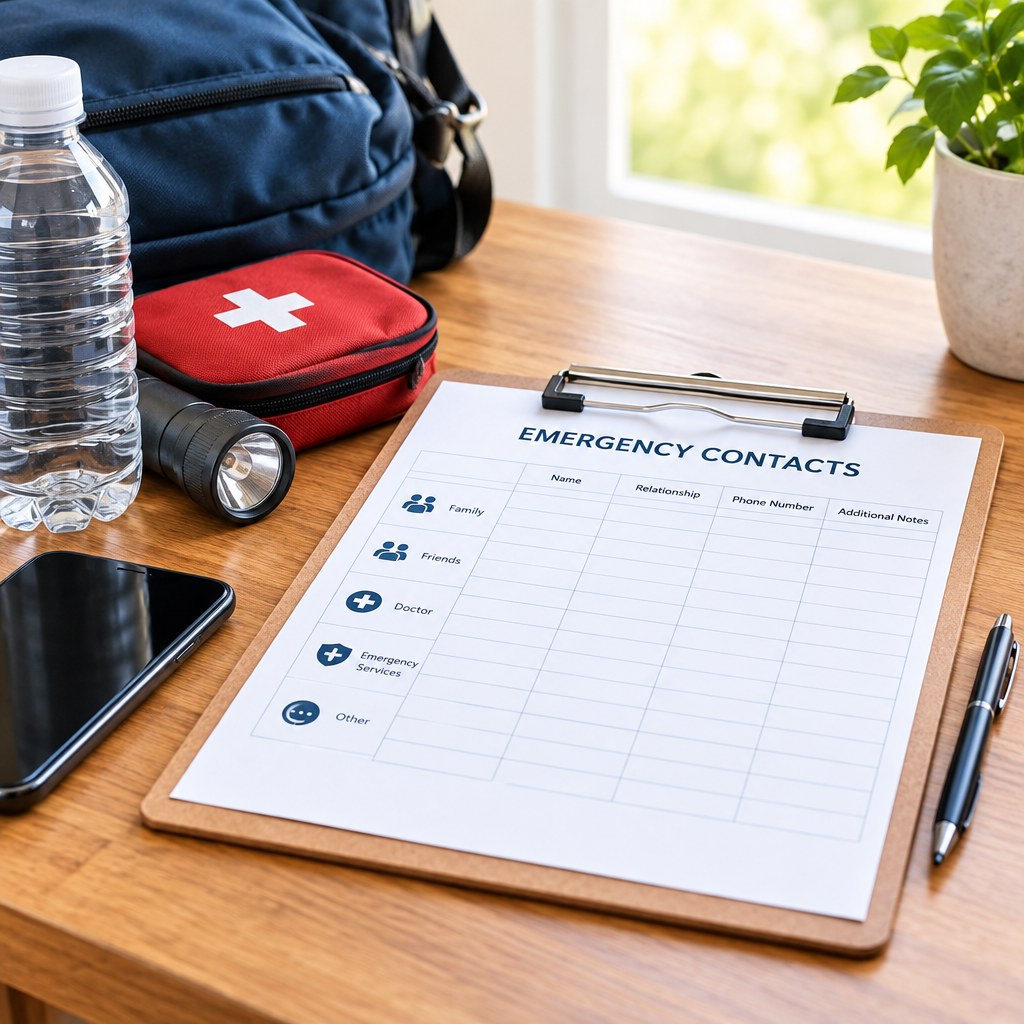
An emergency contact sheet is a short, reliable reference that tells you who to call, what information to share, and where essential records are kept when time is limited. Create one by choosing the people and services that matter most, verifying every number, organizing the details into clear sections, and placing secure copies where they can be found quickly.
A useful sheet is not a long directory. It is a practical document for a household, small business, or shared workplace that reduces uncertainty during illness, accidents, utility failures, travel disruptions, or property emergencies.
Define the sheet’s purpose and scope
Start by deciding who will use the emergency contact sheet and in which situations. A family sheet may focus on children, medical contacts, neighbours, pets, and home utilities. A business sheet may add building management, keyholders, IT support, insurers, suppliers, and staff escalation contacts.
Keep the purpose narrow. An emergency contact sheet should help you act in the first few minutes, not replace a full emergency plan, employee handbook, medical record, or insurance file. You can note where those longer documents are stored, but avoid turning the sheet into an overwhelming archive.
Set the audience before you collect details
Make separate versions when different people need different information. For example, a household copy left with a babysitter does not need the same financial or account information as the private version held by the adults in the home. Likewise, an employee-facing workplace list may show the incident lead and evacuation contacts without exposing private staff details.
💡 Tip: Write a one-sentence purpose at the top, such as “Use this sheet to reach the right people during a home emergency when usual contacts or records are unavailable.” That sentence helps you decide what belongs on the page.
Also define the boundary between urgent and routine use. Include local emergency services and urgent safety contacts, but make it clear that the sheet is not a substitute for calling emergency services when there is immediate danger. The correct emergency number differs by location, so confirm it using an official local source before printing.
Choose the right contacts
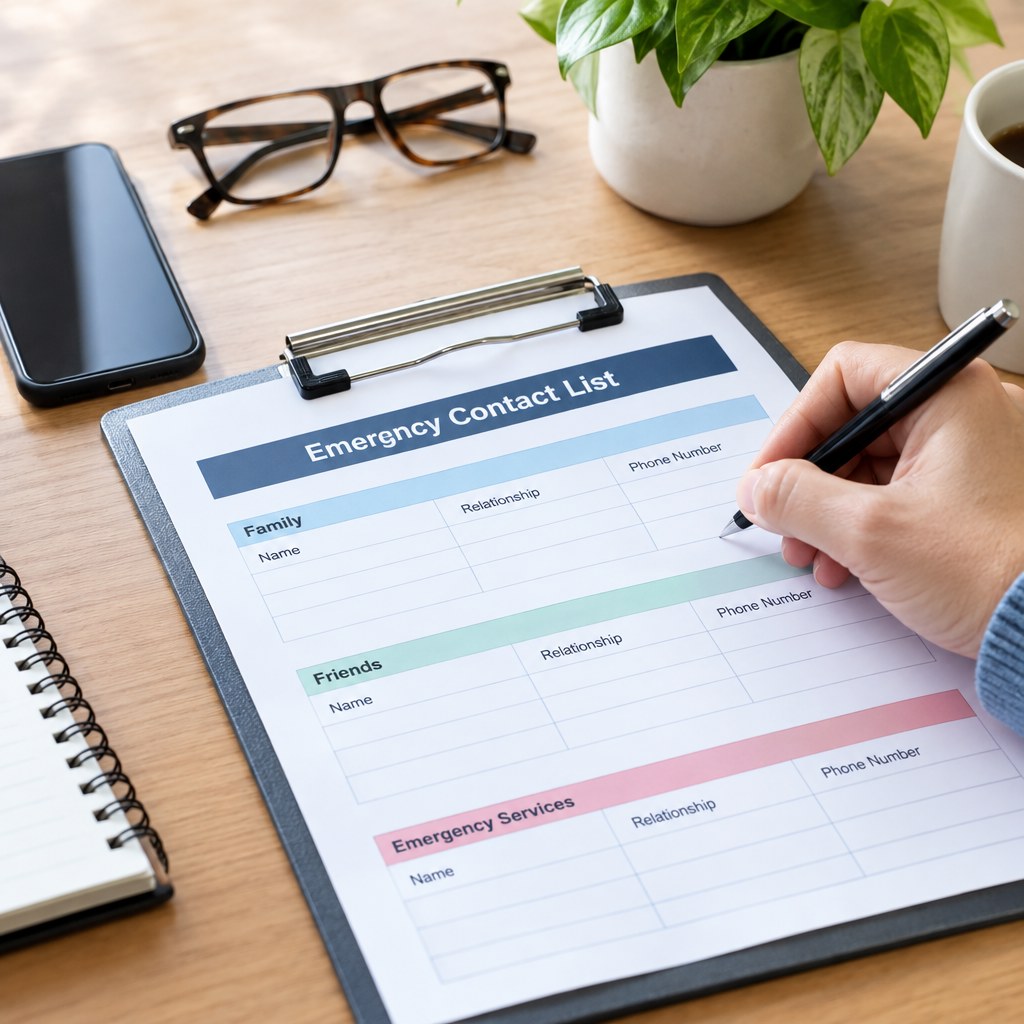
Choose contacts based on the actions you may need to take, not simply on who is in your phone. Each entry should have a role: someone who can authorize a decision, open a property, collect a child, provide relevant information, restore a service, or offer immediate local help.
Use 4 practical contact groups
- Emergency and safety services: local emergency number, non-emergency public safety number where relevant, poison or health advice line if applicable in your area, and building security.
- People to notify: household members, emergency contacts, carers, school or childcare contacts, and trusted neighbours or nearby friends.
- Property and service support: landlord or property manager, locksmith, utility emergency lines, alarm provider, building maintenance, and roadside assistance if relevant.
- Workplace and operational contacts: incident lead, deputy, facilities contact, IT support, keyholders, insurance contact, and critical supplier contacts.
For each named person, collect the full name, relationship or role, primary phone number, backup phone number if available, and a brief note explaining when to call. A note such as “has spare key” or “authorized to collect children” is more useful than a name without context.
Ask permission before listing someone, especially when the sheet will be shared beyond your immediate household or leadership team. Confirm the number aloud or by message rather than copying an old address book entry. Contact details change often, and an unverified number creates false confidence.
Decide what sensitive information does not belong
Do not place passwords, full bank details, government identification numbers, alarm codes, or highly sensitive medical records on a general emergency sheet. If a person needs access to sensitive records, state where the protected information is held and who can authorize access. This keeps the sheet useful if it is misplaced.
Build a clear, usable layout
A good layout lets someone scan rather than search. Use plain labels, large enough text for easy reading, and a consistent order. Put the information needed first in the most likely urgent situation at the top of page 1.
For most households and small teams, a 1-page or 2-page document is easier to use than a detailed booklet. If your list becomes long, move secondary vendors, policy details, and background notes into a separate reference file.
Recommended fields for every entry
Place your own address, unit number, workplace address, and any essential access instructions near the top. In a stressful moment, people can forget even familiar information. If access instructions could create a security risk, keep them on the private version only.
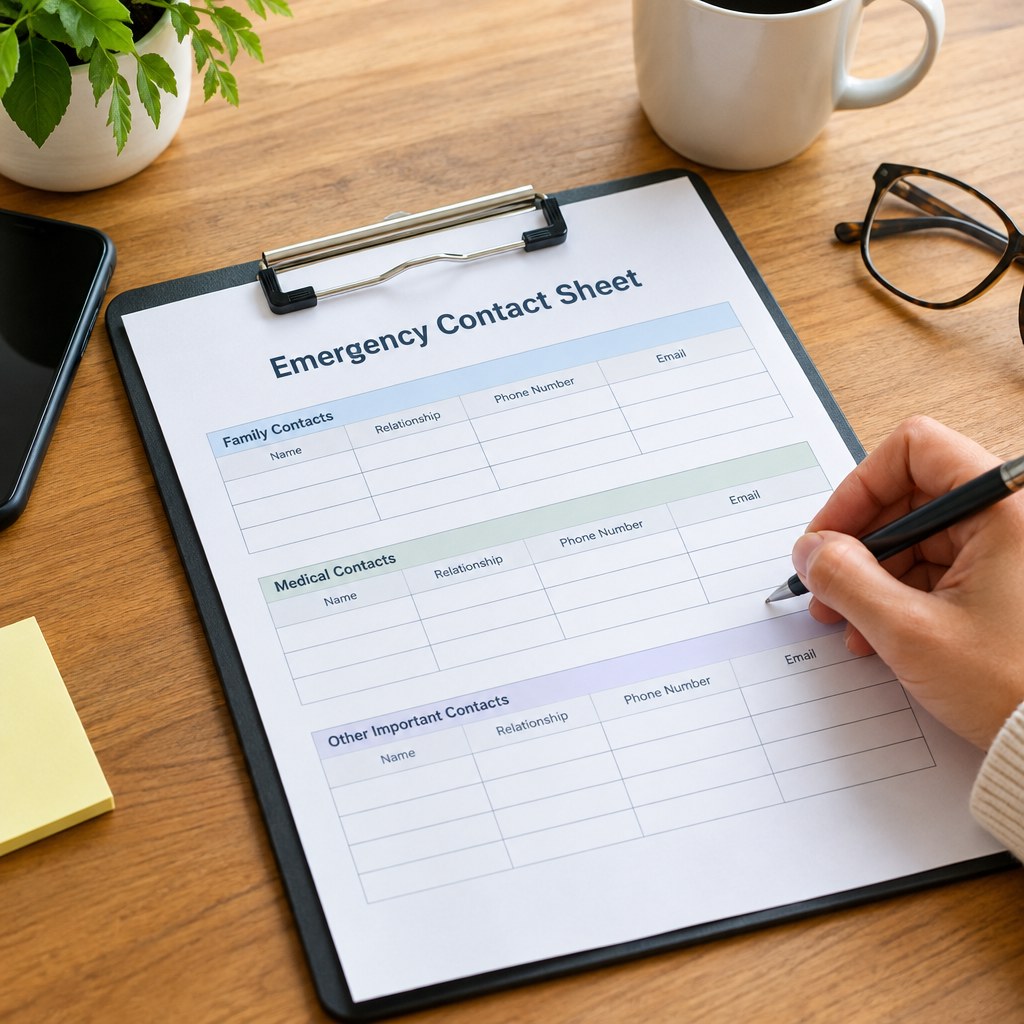
Use headings that match real decisions: “Call first,” “Household contacts,” “Property and utilities,” and “Work contacts.” Avoid vague headings such as “Important numbers.” If someone else must use the sheet, test whether they can find a specific number in a few seconds without your help.
Avoid common mistakes and recover quickly
The most common failure is relying on memory or a personal phone. Phones may be inaccessible, locked, uncharged, damaged, or held by the person who needs help. A separate, readable sheet gives other people a way to act without guessing.
- Too many contacts: reduce the list to people and services with a defined emergency role. Move general contacts elsewhere.
- No backup contact: add an alternate for critical roles, particularly keyholders, carers, and business incident leads.
- Outdated details: verify entries rather than assuming an old number still works.
- Unclear authority: note who can make decisions, approve repairs, collect dependants, or access the property.
- Over-sharing: create a limited-use version instead of distributing private information widely.
If you discover your sheet is incomplete during an incident, record what was missing once the immediate situation is under control. Then update the document while the gap is clear. For example, if nobody knew the utility emergency number or which neighbour held a spare key, add that information and confirm it with the people involved.
Use a simple decision framework
Before finalizing the sheet, ask 4 questions: Can someone find it? Can they understand it quickly? Can they reach the contacts listed? Can they act without accessing sensitive information they should not have? If the answer to any question is no, simplify the document and test it again.
Your priority is clarity over completeness. List the right people, explain their roles, keep private details protected, and maintain the sheet as circumstances change.
Create your first version today
Start with the contacts you would need in the next 10 minutes, verify each one, and schedule your first review before you file the sheet away.